02.11.2026 21:50






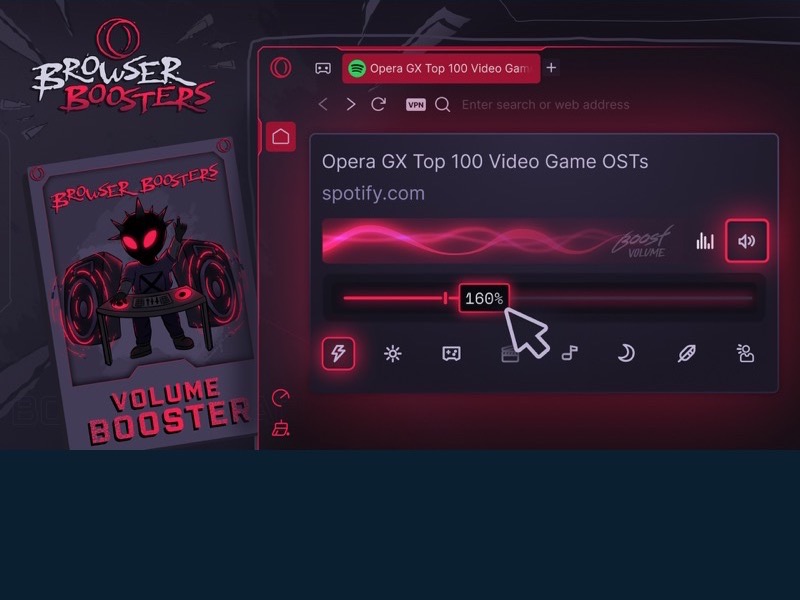
Opera GX has added a per-tab Volume Booster and Audio Equalizer through its Browser Booster update. The release also develops the browser’s Split Screen experience for viewing several pieces of content within one window.

Volume Booster can raise playback levels for quiet content to 500% of the standard level, or five times the original volume. Tabs can be adjusted independently, so changing the level of one video or stream does not alter other tabs.
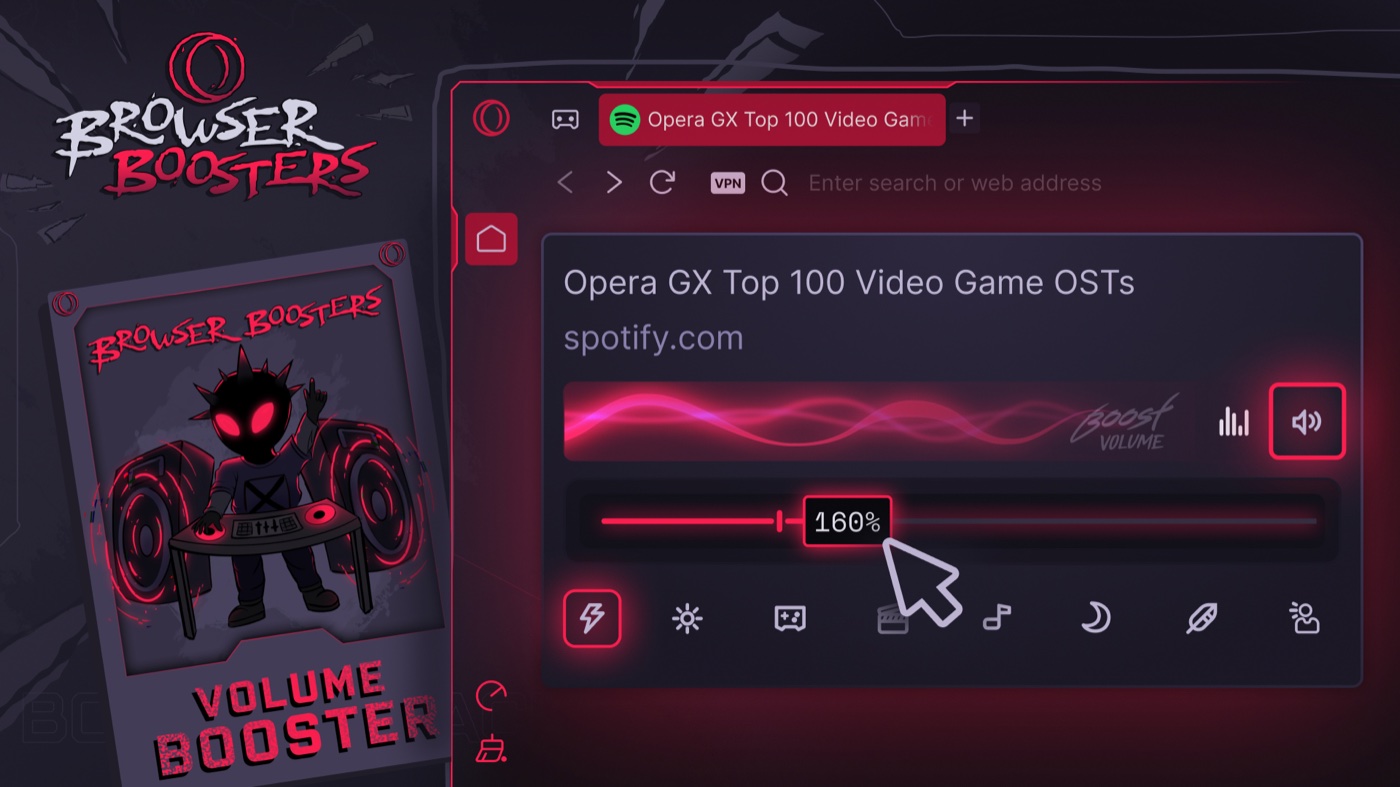
The built-in Audio Equalizer offers eight presets for different types of content. Users can select settings for music, gaming or speech-focused audio. Opera says audio preferences can be remembered for subsequent use.
The updated Split Screen can combine between two and four tabs in one view. This feature is currently offered through Early Access, with a broader rollout planned later.
Search in Tabs is also being expanded. Users can search the titles, addresses and content of open tabs, making it easier to locate material across windows, Workspaces and Tab Islands. Access to recently closed tabs is supported as well. Browser Booster was announced for Opera GX on Windows, macOS and Linux.
Source and further details: Official information. Prepared from the organisation’s press release.