


Yazma
New Copilot Brings Chat, Delegated Work, App Development, and a Proactive Digital Teammate into One Experience
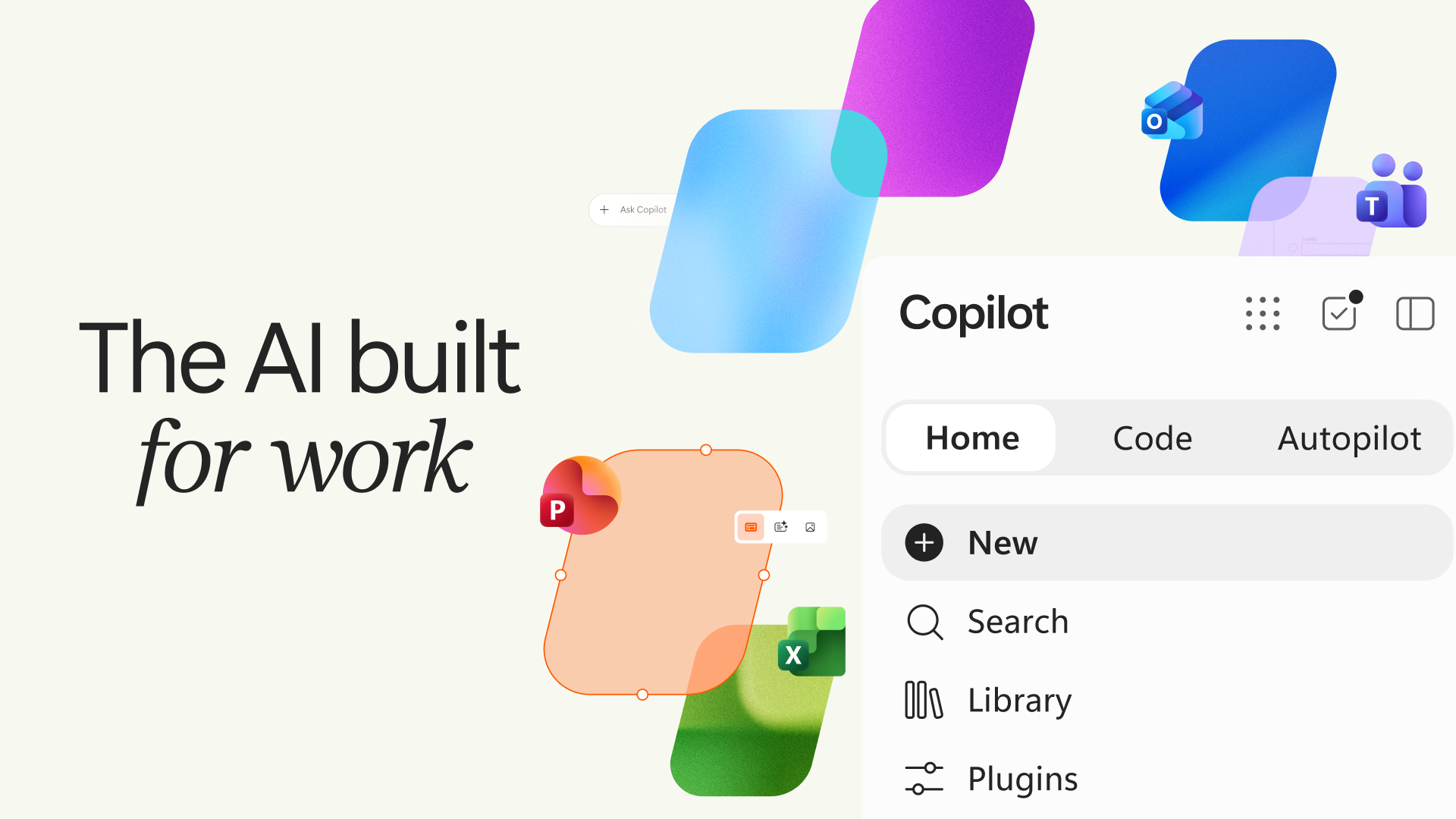
Microsoft has introduced a new Copilot designed to adapt to the evolving ways people work. With this redesigned experience, the company aims to expand what individuals and organizations can accomplish. Three new capabilities added to the Copilot app—Home, Code, and Autopilot—bring together chat, end-to-end delegated tasks, application development, and a proactive digital teammate under one roof.
Built on a foundation that understands the context of work, the new Copilot enables users to ask questions, delegate tasks, develop solutions, and automate recurring processes from a single starting point, while keeping administration, security, and cost controls within the organization's own environment.
Home: A New Starting Point
Home brings Chat and Cowork together in one place. Users can view their recent activity, receive recommendations, and pick up where they left off.
Chat is designed for quick questions, searches, and drafting, while Cowork handles end-to-end delegated tasks such as preparing an RFP response, launch kit, customer briefing, or financial close package. Microsoft says the need to select a mode manually will also disappear in the near future, as Copilot will automatically route incoming tasks to Chat, Cowork, or Code.
The Office Experience Comes to Copilot
The full capabilities of Word, Excel, and PowerPoint are also being integrated into the new Copilot experience. Through Home, users can create or update real, editable documents, workbooks, and presentations. Files can be shared live with teams, co-edited using @mentions, and kept synchronized between Copilot and Office applications.
PowerPoint presentations are automatically tailored to match brand identity. In Excel, users can see what changes were made and why, while Copilot recommends the most suitable charts for the data. The Skills capability, available across Microsoft 365, brings specialized expertise directly into applications, including finance in Excel and legal expertise in Word.
Code: Solution Development Is No Longer Just for Developers
With Code, users can describe an application, tracker, dashboard, automation, or workflow in natural language, allowing Copilot to select the appropriate approach and build the solution.
The results can range from desktop widgets and interactive dashboards to cloud-hosted enterprise applications that can be shared with teams. Code is powered by the same underlying technology as GitHub Copilot, operates in an isolated sandbox environment, and can be securely hosted within an organization's own tenant.
Through Microsoft IQ, every output is grounded in the actual context of the work. Software developers, meanwhile, can continue using GitHub Copilot in their day-to-day workflows.
Copilot Managed Runtime: A Runtime Environment with Enterprise-Level Assurance
Copilot Managed Runtime provides the hosting infrastructure needed to run generated code securely within a company's Microsoft 365 environment. With the infrastructure managed by IT, users can share applications and connect them to live data.
The solution supports applications developed in Cowork, Code, and Copilot Studio, and is also being made available to third-party developers and professional-code development teams. Microsoft says Copilot Managed Runtime is currently in preview.
Autopilot: A Persistent and Proactive Digital Teammate
Previously known as Scout, Autopilot is positioned as a persistent, proactive, and personalized agent. Users can assign it a name, role, and objectives. Autopilot monitors channels, tracks topics, handles recurring tasks, and can resume projects days later from where it left off.
For example, when managing an end-to-end supplier evaluation process, Autopilot can establish a timeline and work backward to plan activities, take responsibility for preparation, coordinate meetings and follow-ups, and request updates from stakeholders. As a cloud-hosted agent, it operates without requiring constant supervision.
Autopilot operates within the organization's tenant, with its own identity, memory, computer, and workspace, and is built on Microsoft IQ. It appears across Teams, Outlook, chats, channels, and documents, and can be mentioned using @, just like a colleague. These capabilities are supported by permissions, auditing, and governance controls.
Microsoft IQ Provides the Foundation for Context-Aware Work
The new Copilot is built on Microsoft IQ. Fabric IQ brings trusted data context into Copilot, including more than 20 million semantic models in Power BI.
This capability is generally available today in Chat and Cowork, while integration with Code is expected to arrive soon through Frontier.
FinOps for AI: Managing AI Spending
Everyday AI usage is covered by a fixed-cost User Subscription License (USL). At the heart of this model is Auto, which selects the most appropriate model for each request by balancing accuracy, speed, and cost.
Agent-based tasks, meanwhile, are billed through Usage-Based Billing (UBB). Cowork, Code, Autopilot, and frontier models such as Astra and Fable operate under UBB.
Within Agent 365, cost management is being expanded to cover Code and Copilot Managed Runtime. Administrators can manage spending policies at scale through APIs, route credit requests through existing approval workflows, and determine which model families are available to specific user groups.
End users can also view their credit usage, remaining balance, and usage history directly within Copilot.
Banner Inside Article - 728x90