


Which is the best AI photo editing software?
Photo and Video Technologies
Hits: 4
Adem Meleke
When I assess photo editing software, my first question is how it will help me finish a photograph, rather than how many AI buttons it offers. Preserving skin texture, reducing noise in a night scene and replacing an advertising background are different tasks. I would not choose a winner without first defining the job.
For a broad workflow, Adobe Lightroom + Photoshop would be my first combination to evaluate. For RAW development I would consider DxO PhotoLab; for selected problem images, Topaz Photo; for creative treatments, Luminar; for an extensive editor with a perpetual licence, ON1 Photo RAW; and for a studio workflow, Capture One Pro.
This is a research-based comparison, not a hands-on benchmark. I have not run these six applications on the same computer or measured their processing times. I am not claiming personal experience with tools I have not tested. My assessment draws on official product, support and sales information. Products and prices checked: 8 November 2026.
I start by separating the tasks
AI masking identifies a person, sky or background. Denoising and upscaling aim to improve image quality. Generative tools can remove objects, create replacement content or extend a frame. I do not treat these as interchangeable capabilities.
From a professional photographer's perspective, I care about control, natural texture and consistency across a series. An impressive result on one frame does not establish reliability across an entire assignment. For documentary images, I would also distinguish newly generated detail from evidence actually recorded by the camera.
Six candidates, assessed by the work
| Application | Main use I would assess | Deciding factor | How I would assess time |
|---|---|---|---|
| Lightroom + Photoshop | Archive management through detailed retouching | Broad scope and the effort of learning two applications | Batch editing, application transfers and final checking together |
| DxO PhotoLab 10 | RAW, high ISO and optical corrections | Natural texture and camera–lens support | Full-resolution export with the chosen denoising method |
| Topaz Photo | Improving selected problem photographs | Separating useful enhancement from invented detail | Model trials and returning to the main editor included |
| Luminar | Creative looks and portraits | Series consistency and the scope of AI service access | Corrections after automatic processing included |
| ON1 Photo RAW 2027 | Management and editing in one application | Differences between standard and MAX packages | Selection through final export of a representative batch |
| Capture One Pro | Studio and tethered photography | The complete capture-to-delivery workflow | Transfer, editing and delivery together |
This is an editorial assessment of suitable uses, not a measured performance ranking. The official pages confirm DxO PhotoLab 10 and ON1 Photo RAW 2027. Topaz's current name is Topaz Photo. Skylum uses Luminar and Luminar on Desktop, while some explanations still refer to Luminar Neo. I have not added an unverified year or version number.
Adobe Lightroom + Photoshop: my first broad-workflow candidate
Lightroom offers AI masking, denoising and Generative Remove. Photoshop's Generative Fill and Generative Expand cover adding content and extending the frame. I refer to Adobe's AI editing documentation and its generative editing explanation for this feature scope.
I would start here for breadth, without claiming that every operation is faster. The combination makes sense when general adjustments across a shoot lead to detailed work on selected frames. Someone who only needs a few simple corrections may not benefit from learning both applications.
My trial would include finishing a group of images and retouching one difficult photograph. A successful object-removal demonstration alone would not settle my decision.
DxO PhotoLab 10: when RAW development comes first
PhotoLab combines RAW development, intelligent masks and optical corrections tailored to camera–lens combinations, with a perpetual licence option. DeepPRIME and DeepPRIME XD address noise reduction and the conversion of RAW sensor data into a colour image. The feature page and DeepPRIME explanation describe that approach.
For night, wildlife or concert files, I would inspect fine texture in my own photographs. Lower noise matters, but so do believable hair, feathers and fabric. I would not turn a manufacturer's quality claims into a proven superiority without checking representative files.
Topaz Photo: an additional option for difficult frames
Topaz Photo offers sharpening, denoising, enlargement, face enhancement and dust-and-scratch tools. It can run independently or as a plugin. The official product page describes an application focused on image enhancement.
I would consider this kind of supplementary tool if my main editor already met most of my needs. In restoration work, I would check faces and lettering especially carefully. A cleaner-looking image is not automatically a more faithful record.
My cost calculation would include the time spent choosing models and correcting failed results, alongside the number of photographs that became usable.
Luminar: a candidate for creative treatments
Luminar's listed tools include Sky AI, Skin AI, Face AI, atmosphere adjustments, AI masking and generative editing. I see the appeal for people who want a direct route to a particular visual treatment.
I would test the same look across a series photographed under different lighting. Skin texture, selection boundaries and consistency would matter as much as the impact of one frame. Fewer clicks do not guarantee less computation or less corrective work.
ON1 Photo RAW 2027: one application and a perpetual option
ON1 Photo RAW 2027 brings photo management and RAW editing together with tools including NoNoise AI, Tack Sharp AI and Brilliance AI. The consolidated workflow and perpetual licence make it a candidate I would examine.
I would distinguish the packages carefully. Restore AI, AI Culling Assistant and Photoshop/Lightroom plugins are MAX additions. I would not compare the standard price while assuming all MAX features are included. The official package table explains the distinction.
My trial would cover browsing folders, selecting photographs, batch editing and exporting. I would not repeat the manufacturer's speed language as if it were my own measurement.
Capture One Pro: I would assess the complete studio workflow
Capture One Pro offers RAW processing, colour tools and tethered capture. Its AI masking can identify specific areas of people, and transferred masks can be recalculated for other images. The support documentation says AI masking works offline. An AI face-skin retouching tool is also documented.
For product, fashion or portrait work, I would assess my camera connection, transfer, applying adjustments to incoming captures and preparing final files together. A single export time would tell me too little about the value of that workflow.
Prices and the conditions behind them
Checked on 8 November 2026. These are offers visible on accessible official pages, not guaranteed checkout totals. Promotions, region and payment choices can change the amount. Where Turkish tax could not be verified, I have left it unresolved.
| Product / package | Displayed price | Payment / licence |
|---|---|---|
| Adobe Photography 1 TB, Türkiye | TRY 669/month | Annual plan, billed monthly; Lightroom + Photoshop |
| DxO PhotoLab 10 | Current amount not verified | Perpetual licence |
| Topaz Photo Personal | USD 199/year; USD 25/month with annual commitment; USD 39/month on the monthly option | Subscription; different payment offers |
| Luminar Desktop Only / All Platforms / Max | $99 / $139 / $159 | Displayed promotional one-time application licences; AI service duration differs |
| ON1 Photo RAW 2027 | $99.99 | Perpetual licence for version 2027 |
| ON1 Photo RAW MAX 2027 | $149.99 | Displayed promotional perpetual licence |
| ON1 Photo RAW MAX subscription | $79.99/year | Displayed promotional annual subscription |
| Capture One Pro | Current amount not verified | Subscription or one-time licence |
Official price sources: Adobe Türkiye, DxO shop, Topaz, Luminar, ON1 and Capture One.
At the displayed Adobe rate, 12 months total TRY 8,028. I would not mistake annual commitment with monthly billing for a no-commitment monthly plan. Topaz's USD 199 prepaid annual offer differs from USD 25 per month under annual commitment: the latter totals USD 300 over 12 months. Personal commercial coverage is limited to organisations below USD 1 million in annual revenue; larger organisations need to examine Pro terms.
Luminar's page specifies 365-day access to the listed AI tools and subsequent renewal conditions. I would not interpret a perpetual application licence as unlimited lifetime access to every AI service. ON1's perpetual licence covers version 2027; I would not assume future annual upgrades are included. Capture One's one-time licence also differs from continuous access to the latest updates and hardware support.
The accessible DxO and Capture One sales pages did not reveal numerical prices. I have not substituted historical amounts. Those gaps prevent me from making a definitive current cost ranking.
For processing time, I count the finished job
Processor, graphics hardware, memory, resolution, file format, AI model and output size affect processing time. Cloud work adds connection speed and service load. Without measurements on matching hardware and files, I cannot responsibly supply exact seconds or a fastest-application ranking.
My calculation is preparation + manual editing + AI computation + checking and correction + export. An operation that takes longer to compute may require less correction and finish the job sooner. The reverse is also possible.
I would use the same representative files and output target, record installation and model downloads separately, and time both individual images and batches. I would include repairing unsuccessful results, then check the image at full detail and its intended publication or print size.
What would I choose for each situation?
Broad workflow: I would start with Lightroom + Photoshop. RAW and high ISO: I would compare DxO and Lightroom on my files. Extra enhancement alongside an existing editor: I would evaluate Topaz Photo. Creative treatments: I would examine Luminar and its service terms. Avoiding subscriptions: I would compare the appropriate ON1 package with DxO's current offer. Studio and tethering: I would trial Capture One in my actual capture setup.
The right editor for me is the one that gives me controlled access to my intended result. Natural texture, consistency, correction effort and total cost belong in the same decision. Those criteria remain useful as versions and offers change.
Adem Meleke
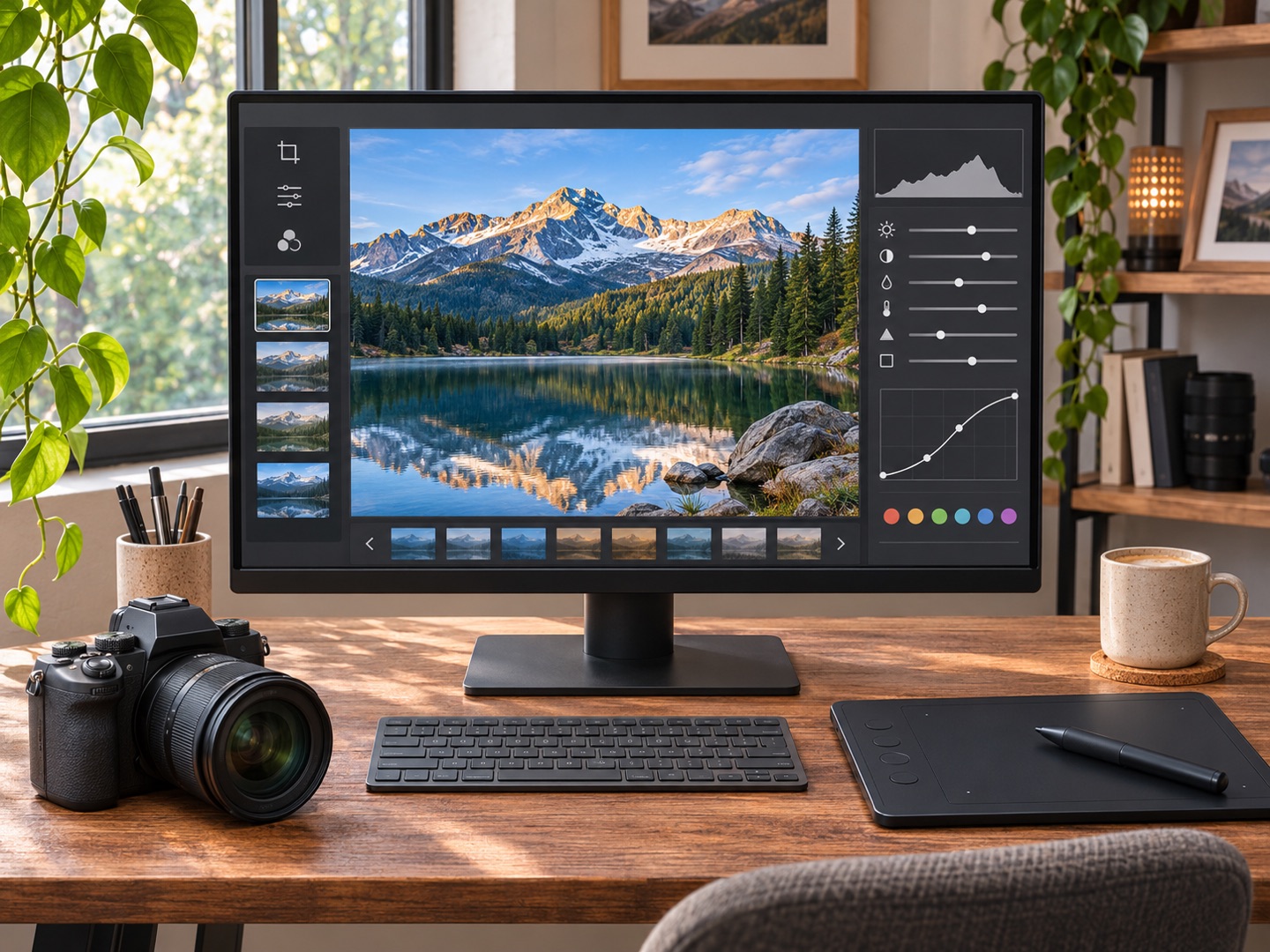
Images: AI-generated illustrative photo editing workstation; not a real product interface or a comparison test.


