




The Gemini API can send just the relevant slice of a file to the model
AI News
Hits: 26
Google detailed the Gemini API’s file-slicing tools on 23 November. Developers can pass selected PDF pages, particular spreadsheet cells, or a time range from an audio or video recording to the model. The combined feature was listed in the 18 November API changelog. This is not an update to the consumer Gemini app.
Upload a file once, select different portions
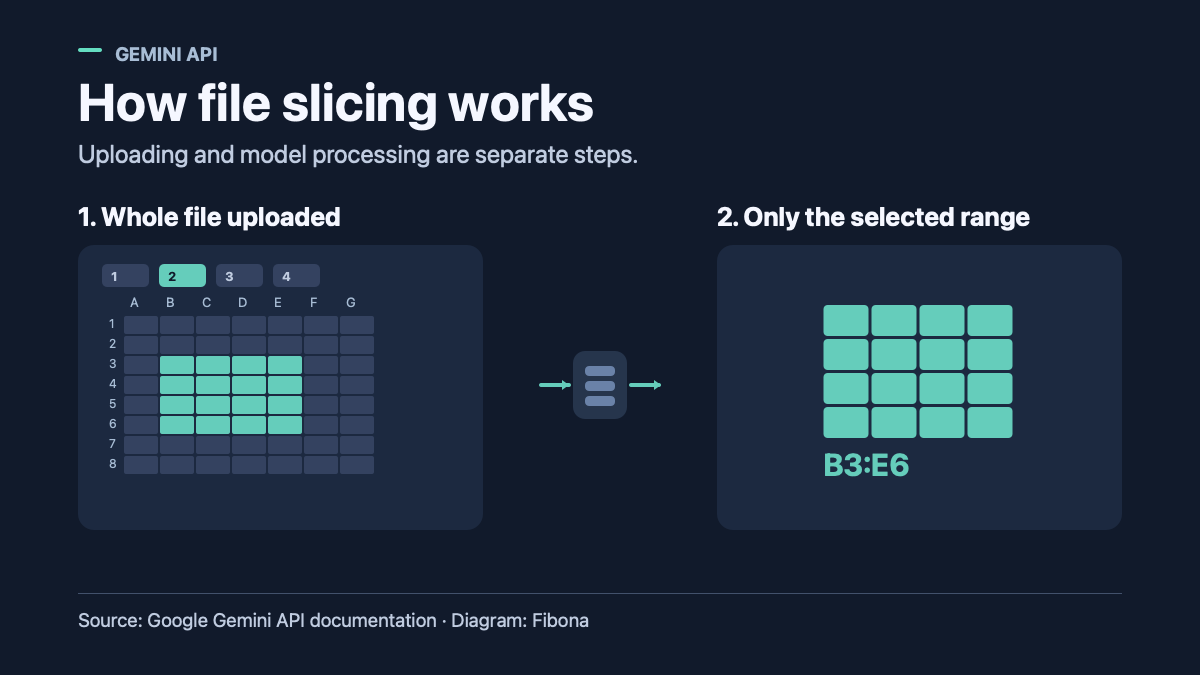
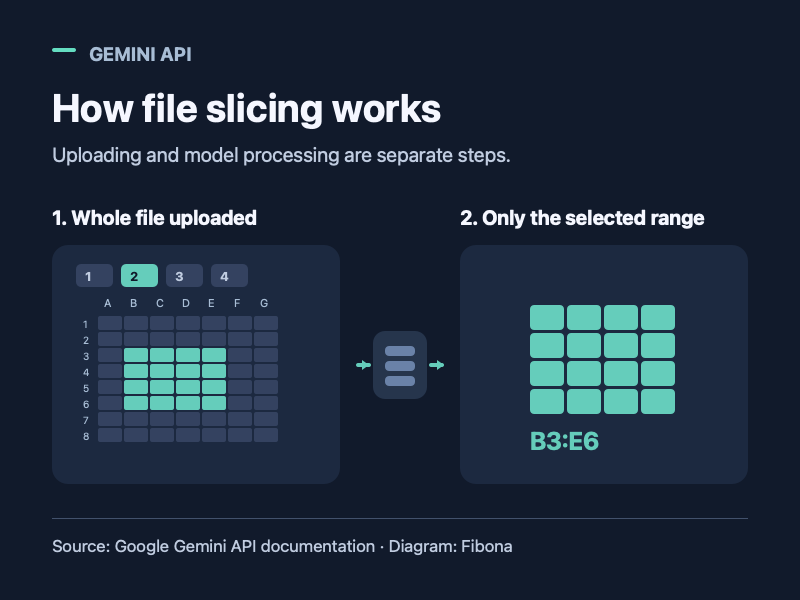
Slicing takes place on the server. A developer can upload a workbook using the Files API, select cells B3:E6 on the second tab, and reuse the file for another range. Documents support page and text or image-layer selection; spreadsheets support sheet and cell ranges; and audio or video can be sliced by time. Developers can also control frame rate or resolution. Google counts file input tokens for the selected content the model receives.
Limits still apply to the source file
This does not mean unselected pages or cells are never uploaded. Document limits are 50 MB per file, 1,000 pages per PDF, 2,000 pages or slides per Office or OpenDocument file, and 50,000 cells per worksheet tab. These are not audio or video limits. Google says the feature works with all Gemini 4 models.
Google’s examples · API changelog · Document limits
Dji Banner Inside Article - 728x90










